
Comparing Blogging Platforms for Technical Content
After testing multiple blogging platforms, here's my comprehensive comparison focusing on features important for technical blogging, particularly for sharing security-related content.
Platforms Tested
I evaluated three popular platforms: WordPress.com, Blogger, and Medium, testing each for usability, customization, and features needed for a technical security blog.
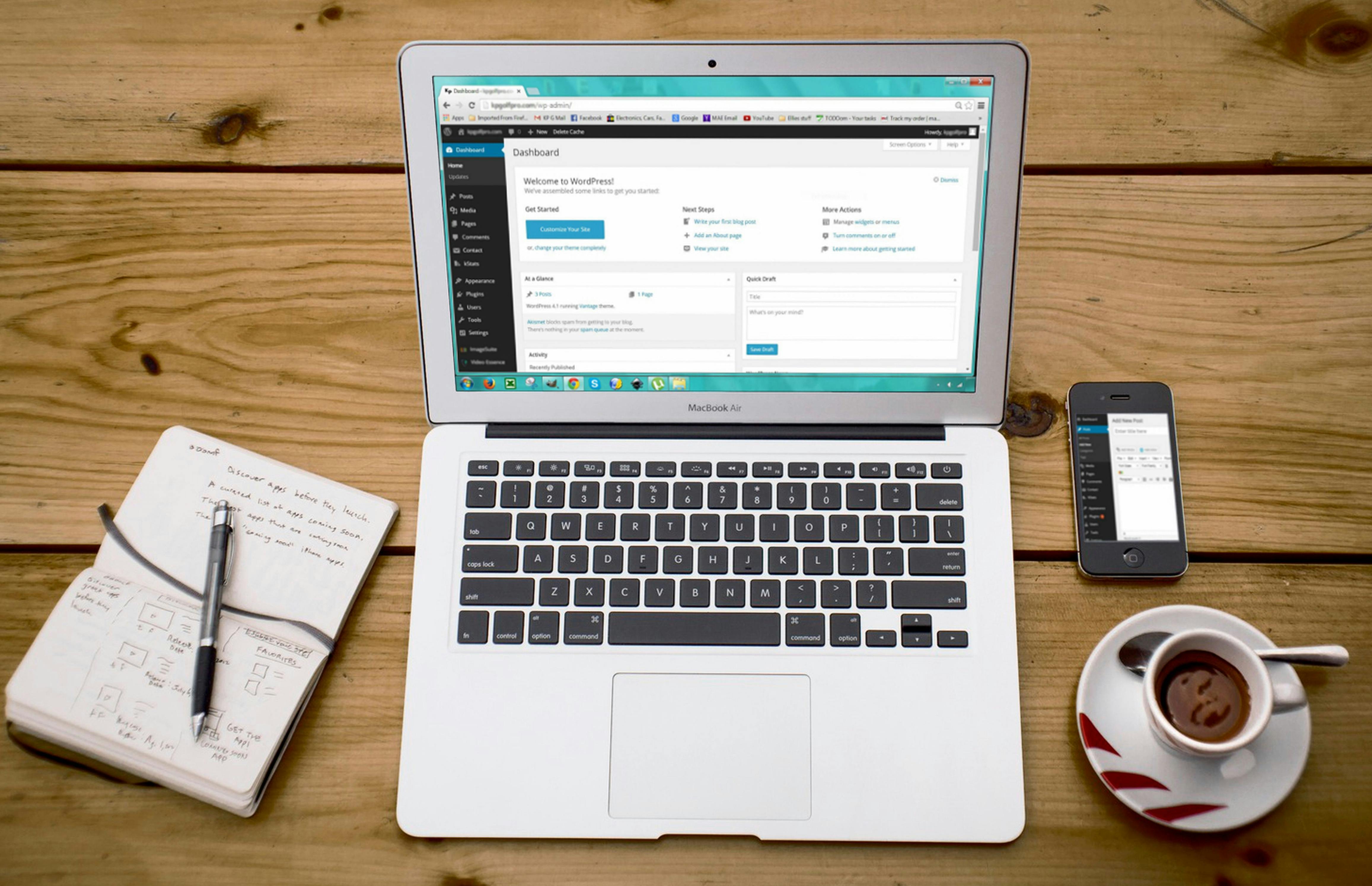
Source: pexels.com
1. WordPress.com
Note: WordPress.com (hosted) is different from WordPress.org (self-hosted). This review covers WordPress.com.
✅ Pros:
- Extensive customization options: Thousands of themes and plugins
- Rich plugin ecosystem: Solutions for almost any need
- Excellent SEO capabilities: Built-in SEO tools and optimizations
- Code syntax highlighting: Multiple plugins for beautiful code blocks
- Built-in comment system: Robust moderation and spam filtering
- Mobile-responsive themes: Looks great on all devices
- Professional appearance: Polished, credible presentation
- Analytics: Built-in stats and integration with Google Analytics
❌ Cons:
- Free plan has limited features (no plugins on free tier)
- WordPress branding on free sites ("Powered by WordPress.com")
- Steeper learning curve for beginners
- Custom domain requires paid plan
- Advanced features locked behind premium tiers
Pricing:
- Free: Basic features with WordPress branding
- Personal ($4/mo): Custom domain, email support
- Premium ($8/mo): Custom design, advanced tools
- Business ($25/mo): Plugins, themes, SEO tools
Best For:
Professional bloggers and businesses willing to invest in premium features for maximum customization and SEO control.
2. Blogger (by Google)
✅ Pros:
- Completely free: No ads, no paywalls, no hidden costs
- Easy to set up and use: Simple interface, quick start
- Good Google integration: Works with Google Analytics, AdSense
- Custom domain support: Free custom domain connection
- Reliable hosting: Powered by Google infrastructure
- No storage limits: Upload as much as you need
- Simple customization: HTML/CSS access for advanced users
❌ Cons:
- Limited modern themes out of the box
- Fewer customization options compared to WordPress
- Basic code formatting (requires manual HTML)
- Less professional appearance with default themes
- Smaller community and fewer resources
- Limited plugin/widget options
Pricing:
- 100% Free - All features included
Best For:
Students, hobbyists, and anyone wanting a free, reliable platform without worrying about costs or technical complexity. Perfect for this assignment!
3. Medium
✅ Pros:
- Clean, professional design: Minimalist aesthetic focuses on content
- Built-in audience: Potential for content discovery
- Excellent reading experience: Optimized for readability
- Good code block support: Syntax highlighting included
- Social features: Claps, highlights, responses
- No maintenance: Zero technical setup required
- Mobile app: Write and read on the go
❌ Cons:
- Limited customization (can't change design/layout)
- No custom domains on free plan
- Paywall restrictions (readers hit article limits)
- Less control over your content and brand
- Cannot add custom widgets or sidebars
- Platform owns the distribution
Pricing:
- Free: Basic publishing with limitations
- Member ($5/mo): Unlimited reading, some earning potential
Best For:
Writers who prioritize content over design and want to tap into Medium's existing readership.

Source: pexels.com
Comparison Table
| Feature | WordPress.com | Blogger | Medium |
|---|---|---|---|
| Cost | Free - $25/mo | Free | Free - $5/mo |
| Customization | ⭐⭐⭐⭐⭐ | ⭐⭐⭐ | ⭐ |
| Ease of Use | ⭐⭐⭐ | ⭐⭐⭐⭐⭐ | ⭐⭐⭐⭐⭐ |
| Code Support | ⭐⭐⭐⭐⭐ | ⭐⭐⭐ | ⭐⭐⭐⭐ |
| SEO | ⭐⭐⭐⭐⭐ | ⭐⭐⭐⭐ | ⭐⭐⭐ |
| Custom Domain | Paid only | Free | Paid only |
My Choice: Blogger for This Project
Why I Chose Blogger:
- 100% Free: No cost for all features
- Academic Requirement: Perfect for course assignments
- Simple Setup: Focus on content, not technical setup
- Reliable: Google infrastructure ensures uptime
- Customizable: HTML/CSS access allows personalization
- No Time Limits: Blog stays live indefinitely
Alternative: Custom Application
For learning purposes and portfolio value, building a custom blog application offers:
- Full Control: Complete customization of design and features
- Technical Learning: Demonstrates web development skills
- Security Focus: Can implement security features relevant to the blog topic
- Modern Stack: Built with React, TypeScript, and modern tools
- No Limitations: No platform restrictions or paywalls
- Portfolio Value: Showcases both security knowledge and development skills
Recommendation Based on Use Case
| Use Case | Recommended Platform | Why |
|---|---|---|
| Course Assignment | Blogger | Free, simple, reliable |
| Professional Blog | WordPress.com | Maximum features and SEO |
| Quick Articles | Medium | Built-in audience |
| Learning Project | Custom App | Portfolio value |
Final Thoughts
For technical blogs requiring code examples, custom styling, and professional presentation, Blogger offers the best balance of features and simplicity for academic purposes. It's free, reliable, and provides enough customization to create an attractive, functional blog.
For professional, long-term technical blogging, consider WordPress.org (self-hosted) or a custom solution once you have more resources and technical expertise.
0 Comments